


.svg)
.svg)
Grafana Loki

.png)


What you’ll learn
Our students work at..


Description
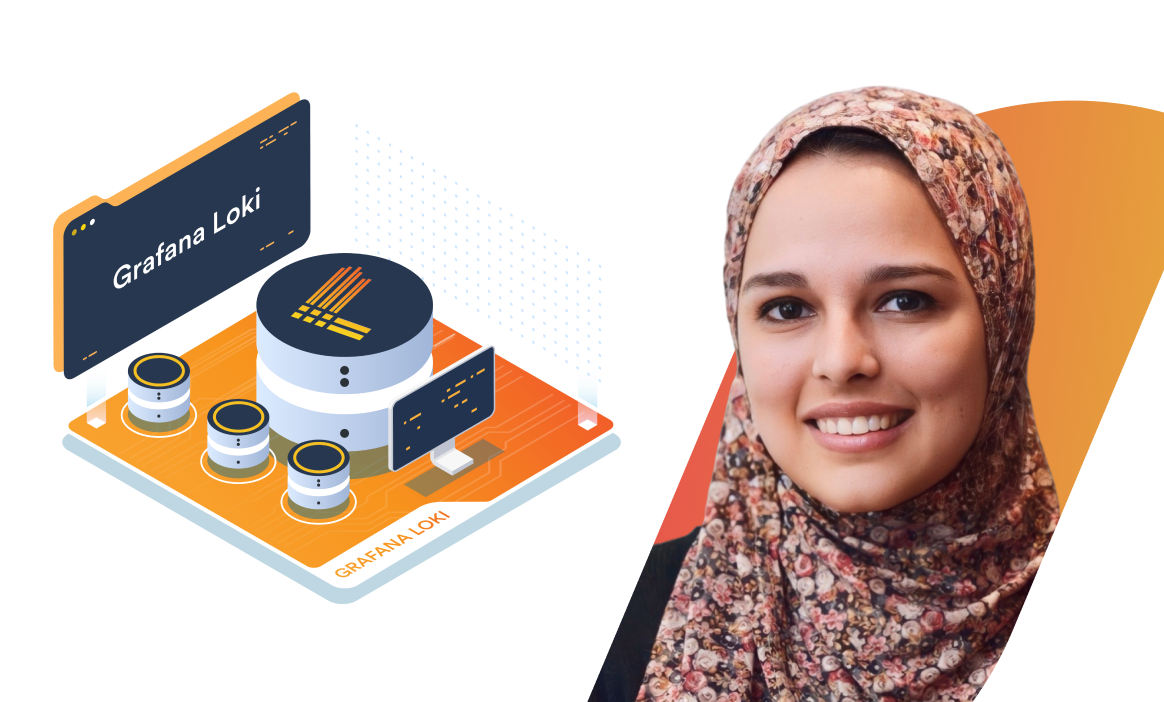
The Grafana Loki course is designed to help learners build the practical skills required to collect, process, query, and analyze logs using Grafana Loki.
Through conceptual lessons, guided demonstrations, and hands-on labs, you'll learn how Loki works, understand its architecture, install and configure it, and use the Grafana Alloy agent to collect application logs. You'll also learn how to query logs using LogQL and build practical log collection and processing workflows.
The course covers deploying Loki, Alloy, and Grafana on Kubernetes using Helm, collecting logs from Kubernetes workloads, querying and analyzing application logs, and processing logs with Alloy pipelines. Real-world demonstrations and labs provide practical experience building a complete centralized logging workflow.
Course Modules & Learning Outcomes
Grafana Loki Essentials
Build a strong foundation in Grafana Loki by understanding its architecture and core components. Learn how to install and configure Loki, set up the Grafana Alloy agent, and collect application logs. Through demonstrations, you'll gain practical experience establishing a basic log collection pipeline and sending application logs to Loki.
Grafana Loki on Kubernetes
Learn how to deploy and operate Grafana Loki in Kubernetes environments. Deploy Loki, Alloy, and Grafana using Helm, collect logs from Kubernetes applications, and view and analyze them through Grafana. You'll learn how to query Kubernetes logs using LogQL and use Alloy pipelines to process and transform logs before they are ingested into Loki. Hands-on labs reinforce these concepts by having you build, query, and troubleshoot a complete Kubernetes logging workflow.
Course Features
- Hands-on labs deploying Loki, Grafana, and Alloy on Kubernetes using Helm
- Practical experience collecting application and Kubernetes logs with Grafana Alloy
- Real-world log querying and analysis using LogQL
- Hands-on exercises for processing and transforming logs with Alloy pipelines
- Guided demonstrations covering Loki installation, Kubernetes deployment, log collection, querying, and processing
Who Should Enroll?
- DevOps and platform engineers working with observability and logging
- Site Reliability Engineers (SREs) responsible for monitoring and troubleshooting applications
- Kubernetes administrators managing containerized workloads
- Cloud engineers building centralized logging solutions
- Observability engineers working with Grafana and the LGTM stack
- Anyone looking to build practical skills in Grafana Loki and modern log management
Build the practical skills to deploy Grafana Loki, collect and process application and Kubernetes logs, query them with LogQL, and create a centralized logging workflow using Loki, Grafana, and Alloy.
What our students say
.webp)
About the instructor
Nourhan Mohamed is a DevOps Instructor and Cloud Native Enthusiast at KodeKloud, specializing in Kubernetes, Docker, CI/CD, and cloud-native technologies. As a Golden Kubestronaut, she focuses on container orchestration, automation, and troubleshooting. At KodeKloud, she designs hands-on DevOps labs that bridge theory with real-world application, empowering learners to build scalable and resilient systems.

Course Introduction

Grafana Loki Essentials
Grafana Loki on Kubernetes
Frequently Asked Questions
Who are KodeKloud courses for?
KodeKloud courses are designed for learners at different skill levels, from beginners to experienced IT professionals looking to develop or strengthen their technical skills.
Do KodeKloud courses include hands-on practice?
Yes. Many KodeKloud courses include hands-on labs and practical exercises that let you apply what you learn in real-world environments.
Do I need any prior experience to take a KodeKloud course?
Prerequisites vary by course. Each course page provides information about the recommended knowledge or experience you may need before starting.
Can I learn at my own pace?
Yes. KodeKloud courses are designed for self paced learning, so you can learn according to your schedule and revisit lessons and practice activities as needed.
Can I access KodeKloud courses on mobile devices?
Yes. KodeKloud can be accessed through supported web browsers and mobile devices, allowing you to learn from different devices.
Do KodeKloud courses provide certificates?
Certificate availability depends on the course and your KodeKloud plan. Check the individual course page or your account for the applicable certificate details.
How long does it take to complete a KodeKloud course?
Course completion time varies depending on the course length, your prior experience, and how much time you spend on hands-on practice.
Can I practice while taking the course?
Yes. Courses that include hands-on labs allow you to practice concepts as you progress through the lessons.
How do I start learning a KodeKloud course?
Choose a course that matches your learning goals, review its requirements and curriculum, and select the available subscription option to start learning.
Get access to KodeKloud’s all courses.
Get access to KodeKloud’s all Pro courses.
Get access to our Labs now!
190+
1280+
75+


Expand Your Skills in Other Domains
AWS Certified Cloud Practitioner (CLF-C02)


.svg)

GCP Cloud Digital Leader Certification

AZ-104: Microsoft Azure Administrator

DevOps Pre-Requisite Course

Fundamentals of DevOps
DevOps Interview Preparation Course
AI Infrastructure: LLM-D, vLLM and GPUs
AI-900: Microsoft Certified Azure AI Fundamentals
AI Agents Fundamentals

Kubernetes for the Absolute Beginners – Hands-on Tutorial
Certified Kubernetes Administrator (CKA)
Certified Kubernetes Security Specialist (CKS)
AWS Solutions Architect Associate Certification

AWS Lambda

Build, Track, and Orchestrate AI Models with MLFlow & Kubeflow
Learn By Doing: Crossplane
Ultimate Certified Kubernetes Security Specialist (CKS) Mock Exam Series


.svg)
