


.svg)
.svg)
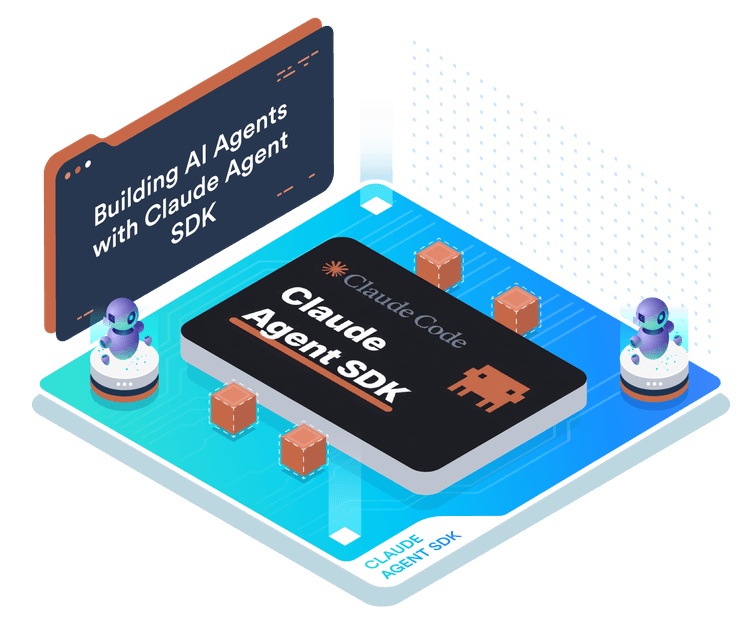
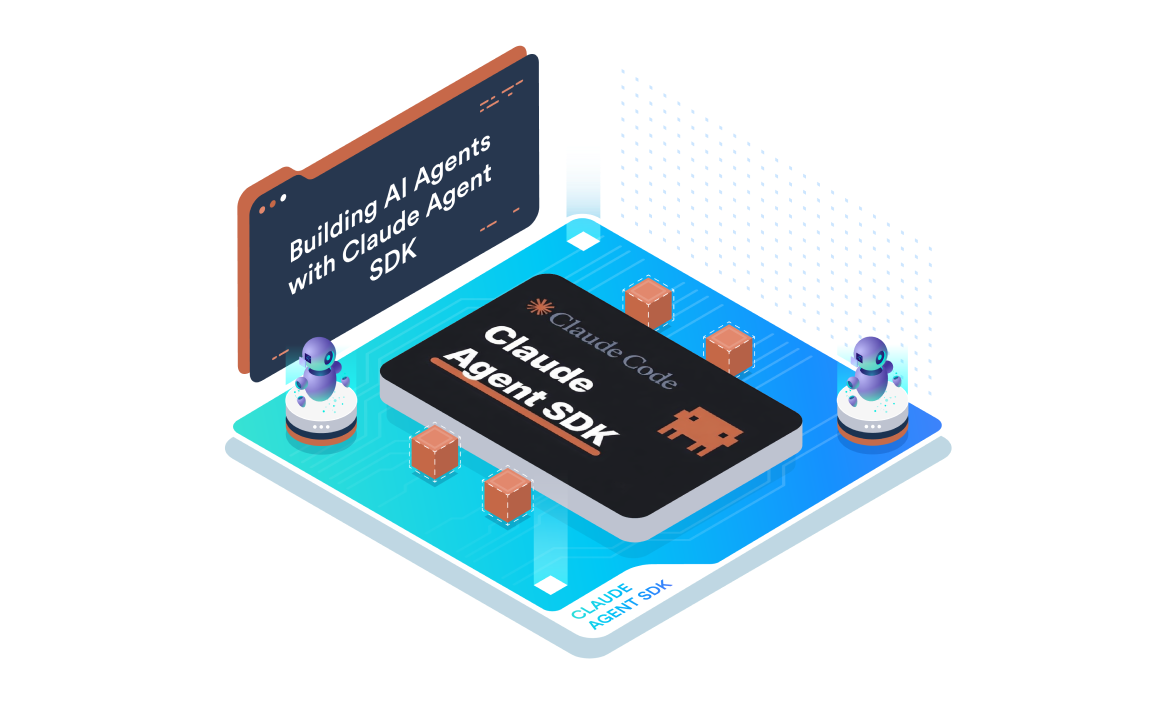
Building AI Agents with Claude Agent SDK



What you’ll learn
Our students work at..


Description
This hands-on course introduces you to the Claude Agent SDK, Anthropic's official Python SDK for building AI-powered agents that can reason, use tools, and automate real-world tasks.
You will learn how to create agents that interact with cloud infrastructure, use file operations, manage multi-turn conversations, and orchestrate complex workflows. Through progressive labs, you will build agents from simple single-turn queries to multi-agent systems that provision and manage AWS infrastructure declaratively, combining Skills, Subagents, and Model Context Protocol (MCP) integrations.
Course Highlights
Getting Started with the Claude Agent SDK
This module takes you from understanding the agent loop to building context-aware, multi-turn agents. You will learn how the Claude Agent SDK enables Python developers to create agents that think, act, observe, and decide autonomously.
Through progressive labs, you will execute your first query, master the SDK's built-in tools for file and infrastructure operations, and build multi-turn conversational agents that iteratively develop AWS CloudFormation templates.
Introduction to the Claude Agent SDK
- Install the Claude Agent SDK and verify the environment setup
- Understand the agent loop pattern: Think, Action, Observe, Decide
- Configure
ClaudeAgentOptionswith model, tools, and permission modes - Execute your first agent query and extract responses from
AssistantMessageobjects - Use the Bash tool to interact with AWS CLI for identity verification
Mastering Claude Tools
- Use discovery tools such as Glob for file pattern matching, Read for file contents, and Grep for content search
- Apply modification tools such as Edit for targeted changes, MultiEdit for batch operations, and Write for file creation
- Execute shell commands with the Bash tool for Terraform deployment workflows
- Debug and fix broken Terraform infrastructure using agent-driven file operations
Multi-Turn Conversations and CloudFormation
- Initialize a
ClaudeSDKClientfor persistent, multi-turn conversations - Preserve conversation context across multiple exchanges using a single client instance
- Configure permission modes for safe file editing and infrastructure provisioning
- Iteratively develop and enhance AWS CloudFormation templates through progressive conversation turns
Skills and EC2 Operations
- Create reusable Skills as filesystem-based artifacts with YAML frontmatter configuration
- Structure skill files in the
.claude/skills/directory with the appropriateSKILL.mdformat - Enable skill loading in agent configuration with setting sources and tool permissions
- Build an EC2 management skill for instance operations using AWS CLI
- Orchestrate multiple skills together for complex infrastructure workflows
Subagents and VPC Automation
- Define specialized Subagents programmatically using the
AgentDefinitionclass - Configure automatic task delegation based on subagent descriptions
- Apply the principle of least privilege by restricting tools per subagent
- Build a network agent and a security agent with clearly separated concerns
- Orchestrate multi-turn VPC provisioning with coordinated subagent collaboration
MCP and AWS CloudFormation
- Connect to MCP servers as external tool providers using stdio transport
- Discover and list available MCP tools with namespaced naming conventions
- Use MCP tools in agent conversations for CloudFormation operations
- Build complete MCP-driven workflows for template validation and stack deployment
- Coordinate multiple MCP servers for filesystem and CloudFormation management
What our students say
About the instructor
Jaya Sai Krishna Yerramsetty is the Principal Platform Architect at KodeKloud. He has deep expertise in AWS architecture and AI-driven platform design. He specializes in building scalable cloud platforms, DevOps systems, and automation-first solutions that apply modern AI capabilities to real-world production environments. At KodeKloud, he contributes to the design of advanced, hands-on learning experiences that bridge cloud architecture, platform engineering, and applied AI, empowering learners to build, scale, and operate next-generation cloud platforms with confidence.


Frequently Asked Questions
Who are KodeKloud courses for?
KodeKloud courses are designed for learners at different skill levels, from beginners to experienced IT professionals looking to develop or strengthen their technical skills.
Do KodeKloud courses include hands-on practice?
Yes. Many KodeKloud courses include hands-on labs and practical exercises that let you apply what you learn in real-world environments.
Do I need any prior experience to take a KodeKloud course?
Prerequisites vary by course. Each course page provides information about the recommended knowledge or experience you may need before starting.
Can I learn at my own pace?
Yes. KodeKloud courses are designed for self paced learning, so you can learn according to your schedule and revisit lessons and practice activities as needed.
Can I access KodeKloud courses on mobile devices?
Yes. KodeKloud can be accessed through supported web browsers and mobile devices, allowing you to learn from different devices.
Do KodeKloud courses provide certificates?
Certificate availability depends on the course and your KodeKloud plan. Check the individual course page or your account for the applicable certificate details.
How long does it take to complete a KodeKloud course?
Course completion time varies depending on the course length, your prior experience, and how much time you spend on hands-on practice.
Can I practice while taking the course?
Yes. Courses that include hands-on labs allow you to practice concepts as you progress through the lessons.
How do I start learning a KodeKloud course?
Choose a course that matches your learning goals, review its requirements and curriculum, and select the available subscription option to start learning.
Get access to KodeKloud’s all courses.
Get access to KodeKloud’s all Pro courses.
Get access to our Labs now!
190+
1280+
75+


Expand Your Skills in Other Domains
AWS Certified Cloud Practitioner (CLF-C02)


.svg)


GCP Cloud Digital Leader Certification

AZ-104: Microsoft Azure Administrator

DevOps Pre-Requisite Course

Fundamentals of DevOps
DevOps Interview Preparation Course
AI Infrastructure: LLM-D, vLLM and GPUs
AI-900: Microsoft Certified Azure AI Fundamentals
AI Agents Fundamentals

Kubernetes for the Absolute Beginners – Hands-on Tutorial
Certified Kubernetes Administrator (CKA)
Certified Kubernetes Security Specialist (CKS)
AWS Solutions Architect Associate Certification

AWS Lambda
.svg)
