


.svg)
.svg)
System Design For Beginners


What you’ll learn
Our students work at..


Description
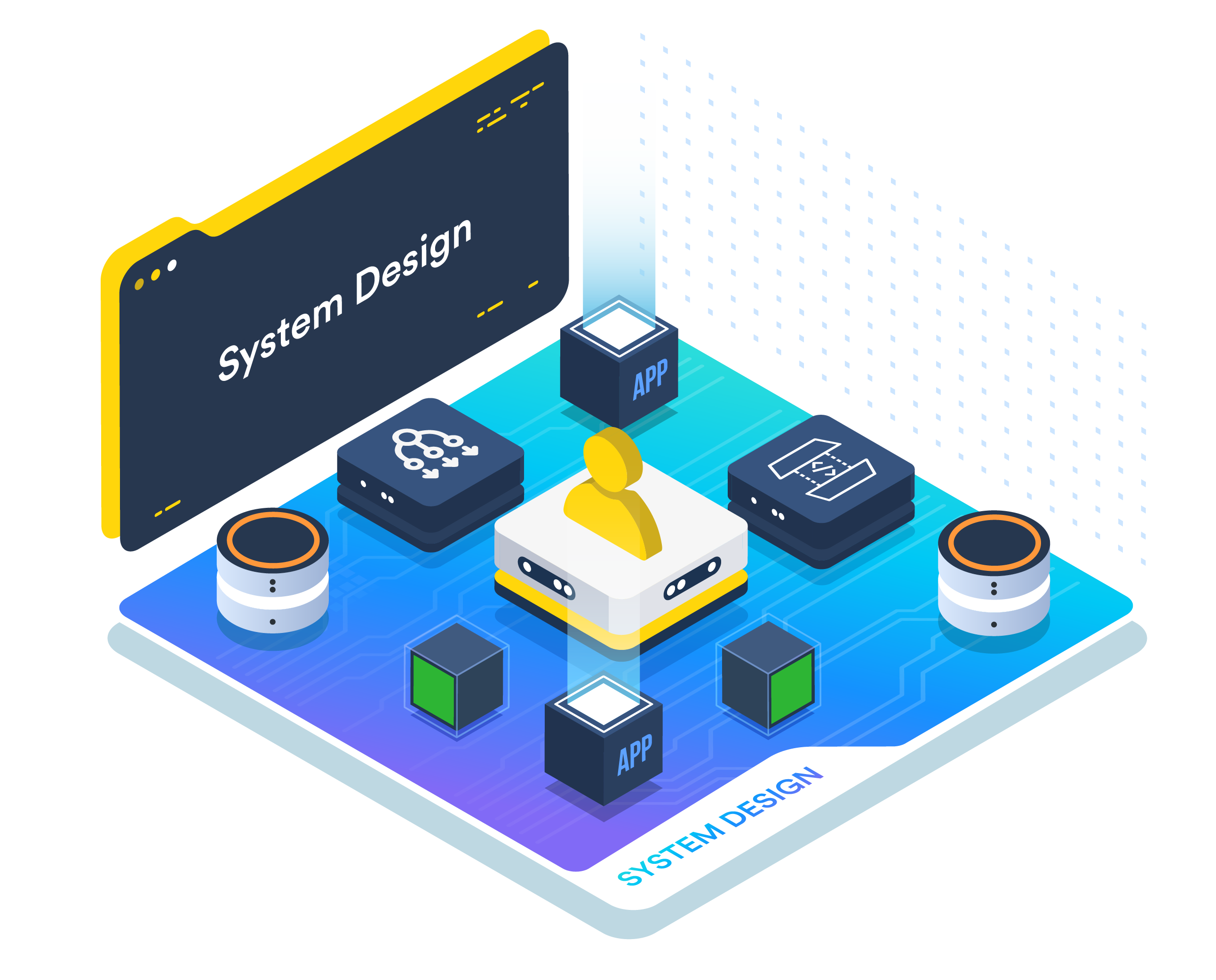
This is a no-nonsense system design course for absolute beginners. This course focuses on building the thought process for system design. Asking the right questions and designing things logically rather than memorizing things.
This course builds a system around a photo-sharing app like Instagram for millions of users. Every lesson starts with some component breaking - either the server dies, a query takes 4 seconds, or the server logs everyone out, then covers the component that fixes it, and the new problem the newly added component creates.
Across multiple lessons, you'll build the full foundation: functional and non-functional requirements, scaling, load balancing and load balancers, SQL vs NoSQL, indexing to speed up the queries, caching, replication, sharding, CDNs and object storage, message queues, timeouts and retries, rate limiting, CAP theorem, and monitoring. Everything is covered in plain layman's language; you don’t need a math degree to understand this.
We also have hands-on labs if you want to experience some of the things we will discuss in this course: kill a live container and watch the load balancer route things to another container, turn that 4-second query into 12 milliseconds indexing, and promote a database replica after a failure.
We also cover Interview Bytes, showing how each topic appears in a system design interview - the question shape, the strong answer, and the trap.
If you can use a terminal and have some degree of perseverance, you're ready to start.
What our students say
.png)
About the instructor
Aditya is a Technical PM and Learning Designer at KodeKloud, he has led more than 50+ courses. With a background in computer science and a lifelong love for teaching, he has always found something deeply rewarding in sharing what he knows with others. Whatever the topic, he loves finding a way to break it down into simple concepts, so learning feels less like a struggle and more like a series of small, satisfying moments.

Foundations & One Server

Data: Reads and Writes
Media, APIs, and Async Work
Failure, Protection, and Operations
Put It All Together
Frequently Asked Questions
Who are KodeKloud courses for?
KodeKloud courses are designed for learners at different skill levels, from beginners to experienced IT professionals looking to develop or strengthen their technical skills.
Do KodeKloud courses include hands-on practice?
Yes. Many KodeKloud courses include hands-on labs and practical exercises that let you apply what you learn in real-world environments.
Do I need any prior experience to take a KodeKloud course?
Prerequisites vary by course. Each course page provides information about the recommended knowledge or experience you may need before starting.
Can I learn at my own pace?
Yes. KodeKloud courses are designed for self paced learning, so you can learn according to your schedule and revisit lessons and practice activities as needed.
Can I access KodeKloud courses on mobile devices?
Yes. KodeKloud can be accessed through supported web browsers and mobile devices, allowing you to learn from different devices.
Do KodeKloud courses provide certificates?
Certificate availability depends on the course and your KodeKloud plan. Check the individual course page or your account for the applicable certificate details.
How long does it take to complete a KodeKloud course?
Course completion time varies depending on the course length, your prior experience, and how much time you spend on hands-on practice.
Can I practice while taking the course?
Yes. Courses that include hands-on labs allow you to practice concepts as you progress through the lessons.
How do I start learning a KodeKloud course?
Choose a course that matches your learning goals, review its requirements and curriculum, and select the available subscription option to start learning.
Get access to KodeKloud’s all courses.
Get access to KodeKloud’s all Pro courses.
Get access to our Labs now!
190+
1280+
75+


Expand Your Skills in Other Domains
AWS Certified Cloud Practitioner (CLF-C02)


.svg)


GCP Cloud Digital Leader Certification

AZ-104: Microsoft Azure Administrator

DevOps Pre-Requisite Course

Fundamentals of DevOps
DevOps Interview Preparation Course
AI Infrastructure: LLM-D, vLLM and GPUs
AI-900: Microsoft Certified Azure AI Fundamentals
AI Agents Fundamentals

Kubernetes for the Absolute Beginners – Hands-on Tutorial
Certified Kubernetes Administrator (CKA)
Certified Kubernetes Security Specialist (CKS)
AWS Solutions Architect Associate Certification

AWS Lambda

.svg)
